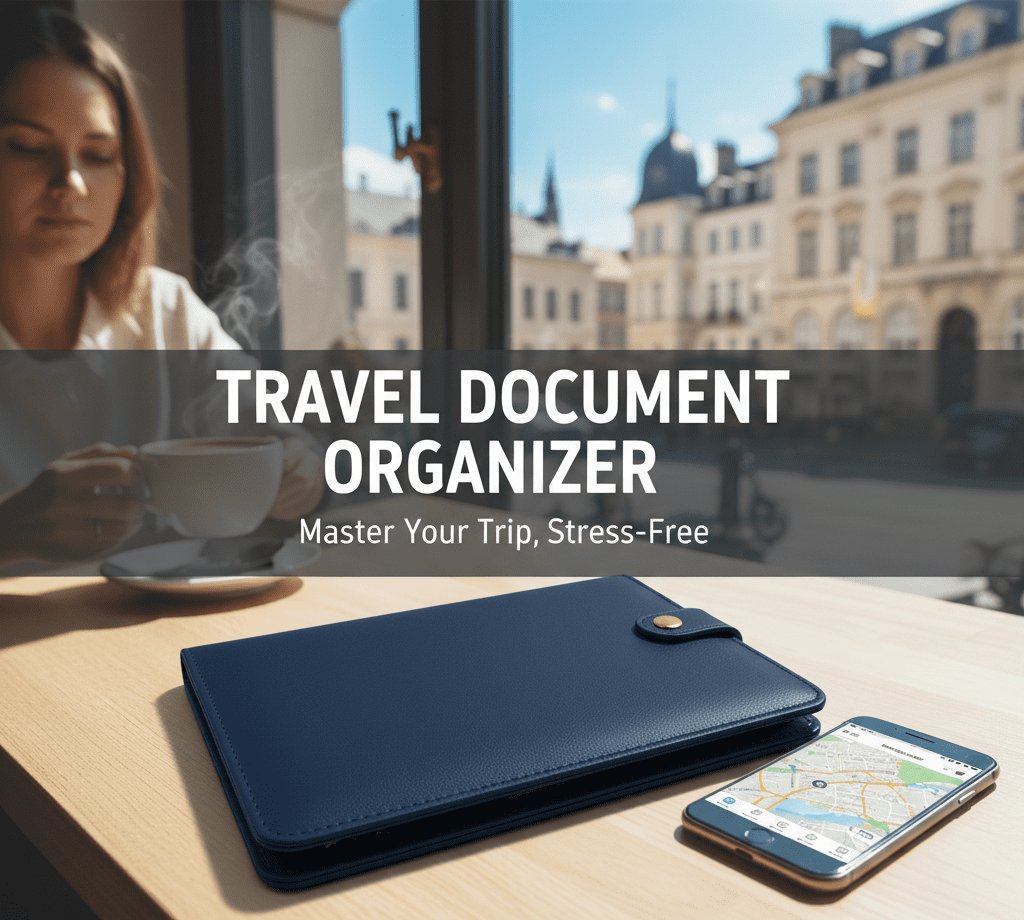
Digital tools can be helpful—but only until the Wi-Fi fails. Airports lose signals, phone batteries die, and confirmation numbers get buried in emails. That’s why I never rely on my phone alone. Instead, I carry a small travel document organizer as a backup.
Transparency in Partnerships
To keep this inspiring content and our travel style tips free for all voyagers like you, some links shared throughout the site are affiliate links. Using these links comes at no extra cost to you, and I can earn a commission. Your support helps me maintain the blog and continue sharing content you enjoy. So voyage on in style.
The Travel Document Organizer Advantage
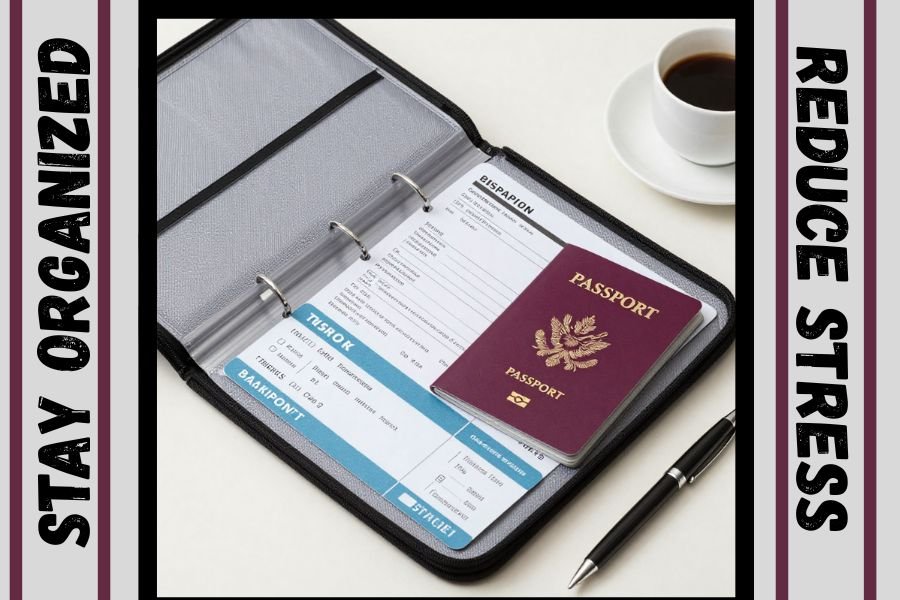
A physical travel folder acts as your “single source of truth.” It removes decision fatigue by housing your itinerary, flight details, and reservations in one accessible place. This ensures you stay organized even when offline. In fact, this level of preparation is just as vital as choosing the Best Travel Shoes For Carry-On Travel to keep your journey comfortable.
Instead, I carry one small travel document organizer as my physical backup. I personally use the Sooez 30-Pocket Binder with Plastic Sleeves, which keeps every itinerary, reservation, and ID copy in one slim, easy-to-flip folder.
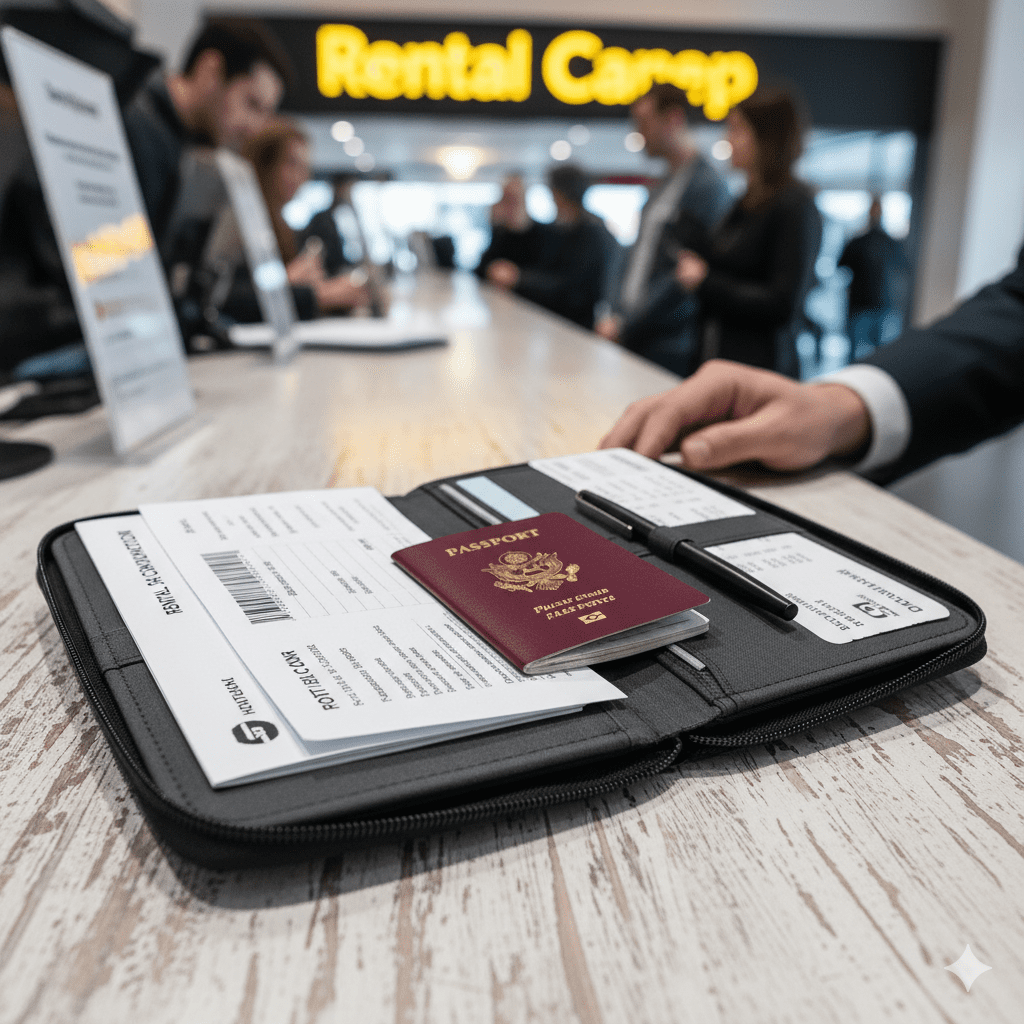
A travel document organizer is faster than scrolling through emails when you reach the front of the line.
Why a Travel Document Organizer Changes Everything
Most travel stress isn’t about packing; it’s about paperwork. When you are standing at a busy rental car counter, the last thing you want to do is scroll through screenshots. Furthermore, once you Learn How To Stop Overpacking, you’ll realize that a slim folder is far more efficient than a bulky bag filled with loose papers.
Using a travel document organizer solves three major pain points:
- Zero Signal Anxiety: First, you don’t need data to prove you have a hotel reservation.
- Instant Accessibility: Second, there is no more digging through apps; you just flip a tab.
- Mental Clarity: Ultimately, knowing every “what, where, and when” is in one folder drops your travel cortisol levels instantly.
Choosing the Best Travel Document Organizer System: Folder vs. App vs. Wallet
Not all organization systems are created equal. I’ve tested everything from high-end leather passport wallets to “all-in-one” travel apps. Consequently, I’ve found that physical systems pair perfectly with other organized gear, such as Charging Cord Organizers, to keep your tech and papers separated.
Feature | The Scattered Traveler | The Organized Traveler |
Check-in | Searching emails at the counter | Opens one folder instantly |
Wi-Fi Issues | Stuck without confirmations | Printed copies ready |
Bag Setup | Loose papers everywhere | One slim travel document organizer |
Travel Feel | Reactive and stressed | Intentional and calm |
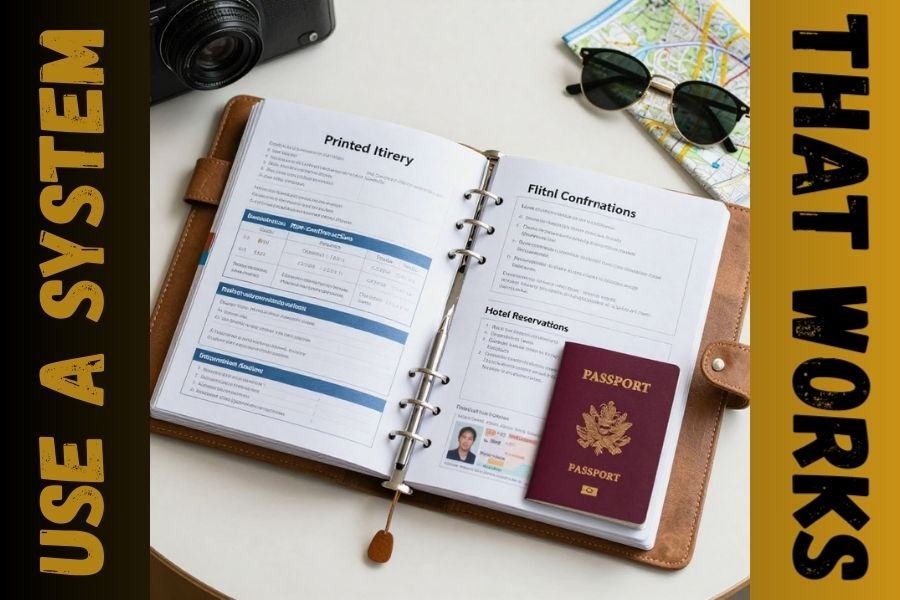
My Simple Command Center Setup
I recommend a basic 2-pocket, 3-ring travel document folder with clear plastic sleeves. It is durable, lightweight, and slim enough to slide into a Budget Travel Backpack or the seat-back pocket on the plane. Additionally, keeping your documents this accessible is a key part of my 10 Carry-On Travel Essentials list.
If you prefer something lighter, a simple Five Star 2-Pocket Folder works perfectly for weekend trips and short flights.
The folder slides easily into a slim carry-on travel backpack with a document sleeve. My personal favorite is the LOVEVOOK 40L Travel Backpack, which keeps everything upright, organized, and easy to grab at security.

What to Put in Your Travel Document Organizer
Because systems work best when they’re repeatable, I pack my folder the same way every time. Before you leave, ensure your folder includes:
Printed Itinerary: First, include a master timeline of your trip.
Flight Confirmations: Next, add boarding passes and gate information.
Hotel Reservations: Then, include addresses and check-in instructions.
Identification Copies: Finally, keep a backup copy of your passport and ID.
I also slide important documents into clear sheet protectors like the KTRIO 8.5 x 11 Sleeves to keep boarding passes and IDs safe from spills and wear.
FAQ: Common Questions About Travel Document Organizer Security
Is it safe to carry printed copies of my passport?
Yes, it’s safe. Additionally, if you lose your passport, having a copy in your folder can help you replace it faster. Therefore, always keep the folder in your ‘personal item’ bag with you.
Do I still need travel apps?
Absolutely. Apps are great for real-time flight delay alerts. However, for the actual Travel Itinerary Planning phase, having a physical “database” is much more reliable.
Master Your Trip with a Stress-Free Travel Document Organizer
Travel should feel intentional, not frantic. While apps are certainly useful tools, paper still wins when speed and reliability matter most. In fact, a simple travel folder costs very little and weighs almost nothing. Moreover, it effectively removes the “paperwork friction” that can otherwise ruin a good travel day.